First session
Try the tutorial and a few stages. Is the direction of each arrow obvious? Can you tell which path is clear? Does the help explain enough?
Android community playtest
Enjoy logic puzzles? Help us make Neon Pathshift feel better. Untangle glowing arrow paths, try different arenas and tell us where the game shines—or gets in your way.
Free to play · Android 7.0+ · Google Play download · Contains ads

Start here
Use the same Google account in Google Groups, the test opt-in page and the Play Store on your phone. A group membership alone does not install the game or enroll you in the test.
Sign in to Google Groups and select Join group. This makes your account eligible for the Community closed test. No direct message or manual email approval is needed.
Join the Google GroupGroup owners can see account membership details. The member list is restricted; you can choose your email subscription preferences.
After joining the group, open the Play opt-in page and select Become a tester. Keep the account shown there consistent with the one you just used.
Open Google Play opt-inFollow the Google Play download link from the opt-in page, or use the button below. Install the game, open it and try the tutorial and a few stages.
Install from Google PlayThe listing is restricted to eligible testers. No APK downloads or sideloading are needed.
Please return for several sessions and, if you can, keep the game installed and remain opted in for at least 14 consecutive days from your own opt-in date. Send honest feedback after playing, and return to test fixes when updates arrive.
Send playtest feedbackParticipation is voluntary. No payment, positive rating, public review, ad click or minimum daily play time is required. Please use the game naturally; we’re looking for useful feedback, not artificial activity.
A useful play session
Try the tutorial and a few stages. Is the direction of each arrow obvious? Can you tell which path is clear? Does the help explain enough?
Try harder puzzles, the daily puzzle or relaxed play. On a Master maze, try zooming and panning. Does progression remain interesting?
Try a hint or undo if useful. Check pause, sound and vibration settings. Optional rewarded ads are optional; never click ads just to help the test.
Install the update through Play, revisit anything you reported, and tell us whether the fix worked. Include the game version and stage.
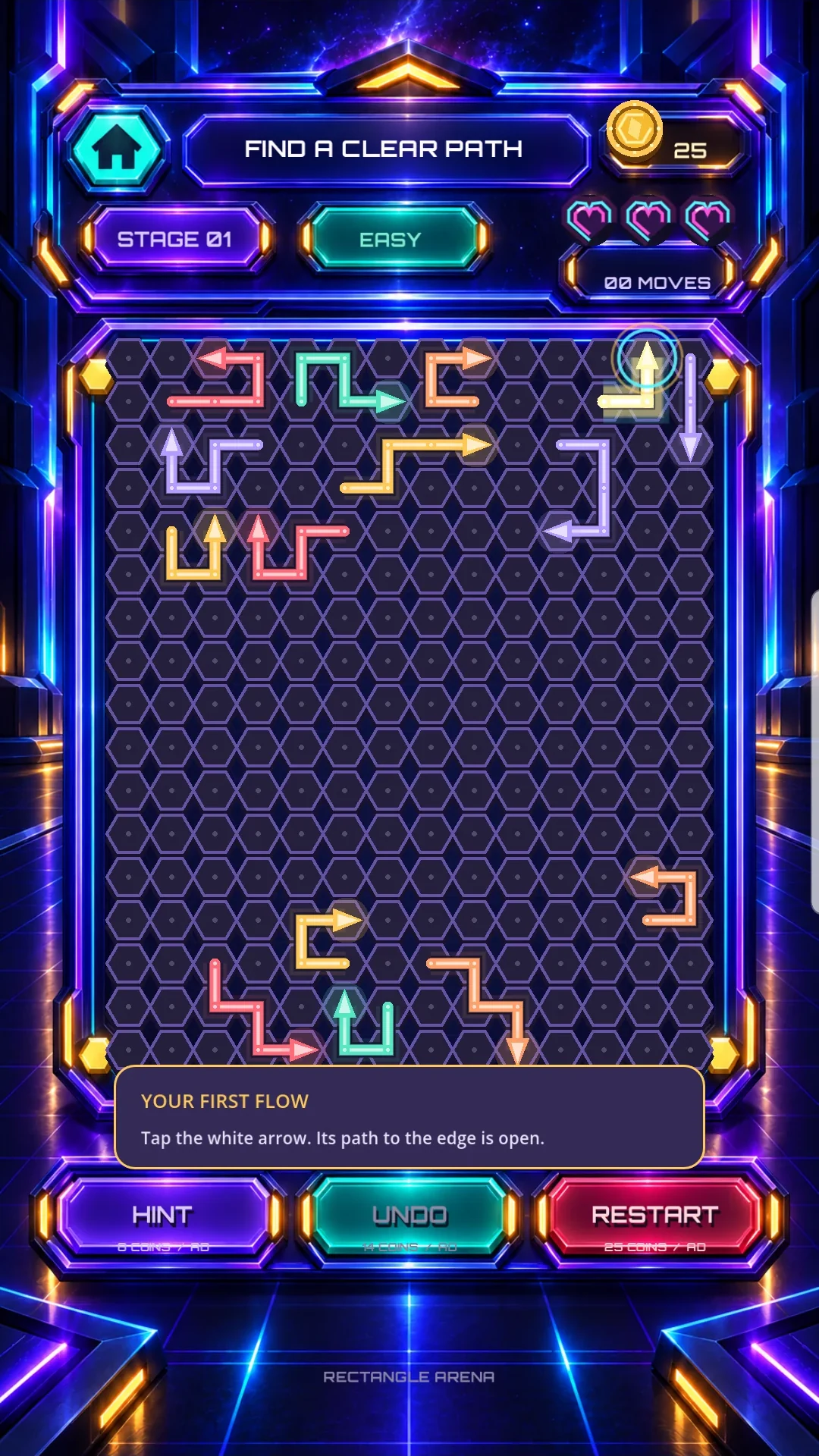
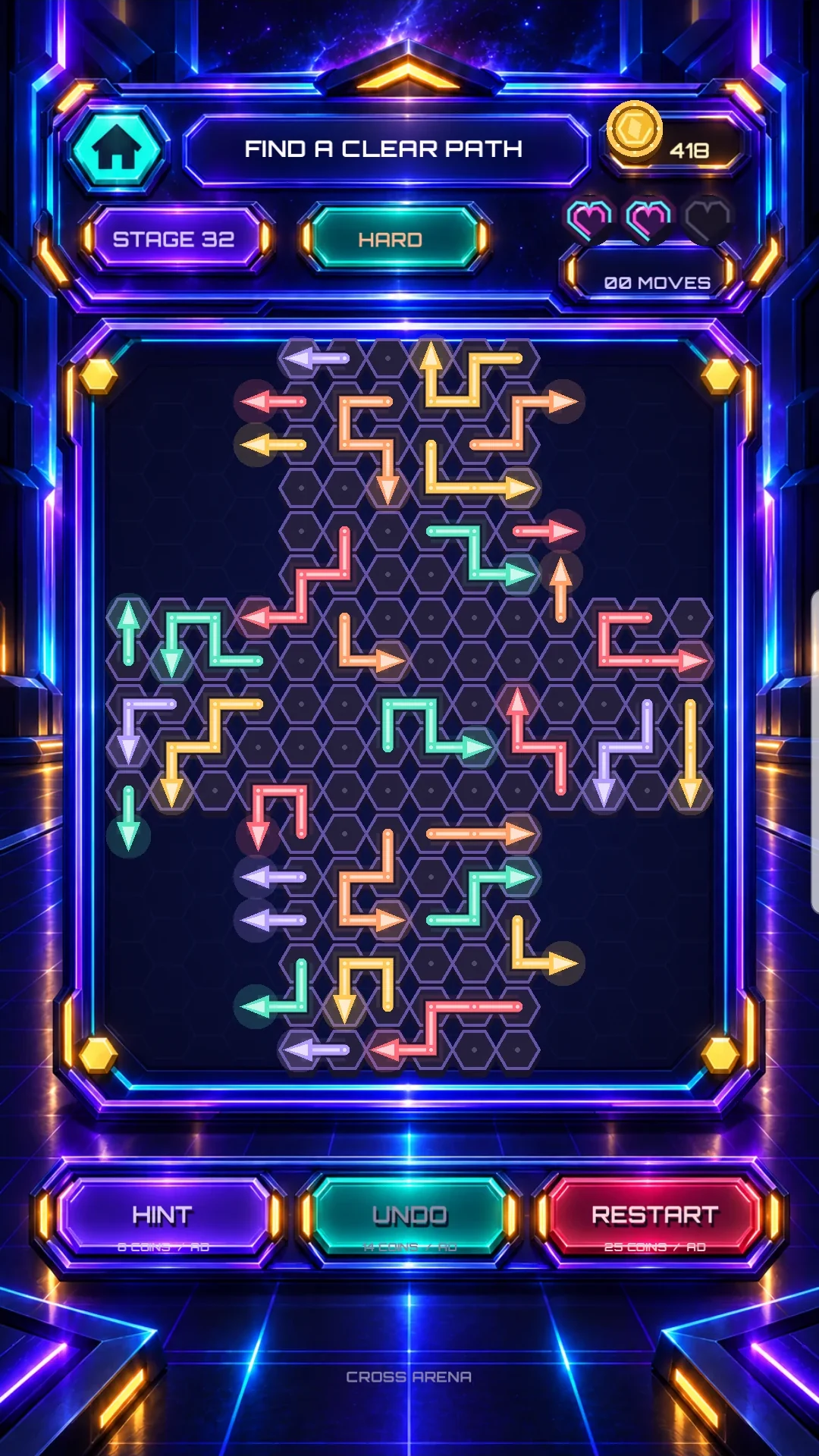
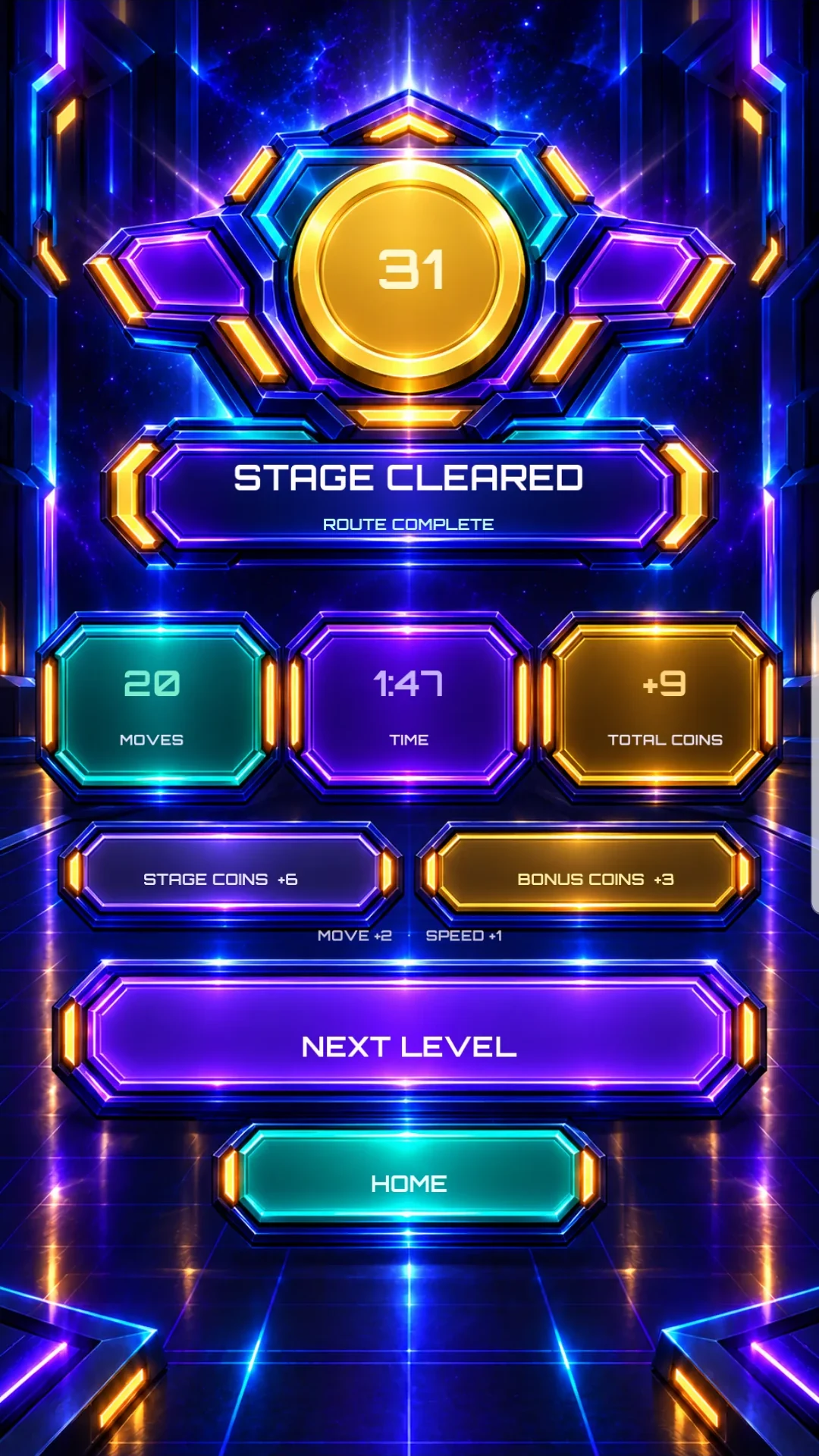
Your experience matters
Tell us what you liked, what felt confusing and what you would change. A specific example is more useful than a star rating.
Open the feedback formHosted by Google Forms. Automatic email collection is off; a reply email is optional. Responses are not shown to other testers.
For screenshots or private support, email [email protected]. Crop personal details before sending. We use reports to investigate issues and improve the game. Read the privacy policy.
Troubleshooting
First join the tester group, then complete the Play opt-in step. Confirm the same Google account is selected in all three places. Access changes can take time to propagate; retry later. Device or Play country restrictions can also affect availability.
Sign in to Google Groups with your Play Store account, then reopen the group link above. The public About page shows group information; joining requires a Google account. Do not use “Contact owners” as the normal signup step.
Check the account avatar in Google Groups and the opt-in page. In the Play Store, tap your avatar and select that same account before opening the install link.
You may already be opted in—look for the message confirming you are a tester. If Google says you are not eligible, check group membership and the selected account. If the issue persists, contact support.
No. Existing invited testers can keep their current access. The Community group is a separate way for new volunteers to join; there is no need to leave an existing test.
No. Ads are not a testing task, and positive feedback is not required. Rewarded ads are optional game choices. Never click advertisements just to generate activity. Please report your actual experience.
Use “Leave the program” on the Google Play opt-in page, and leave the Google Group if you wish. Leaving is always your choice. If possible, stay opted in for the full testing period so we can evaluate updates consistently.
Playtest updates
Screenshots above illustrate the game; the Play Store build may differ as the test evolves.